1. Understanding the Opportunity
“Empowering AWS Certification Pursuers, Regardless of Language: Revealing an Exclusive Chance for an Additional 30 Minutes of Exam Time. Follow These Steps to Elevate Your Success in Your AWS Certifications Journey.”
2. Accessing Your AWS Certifications Exam Login
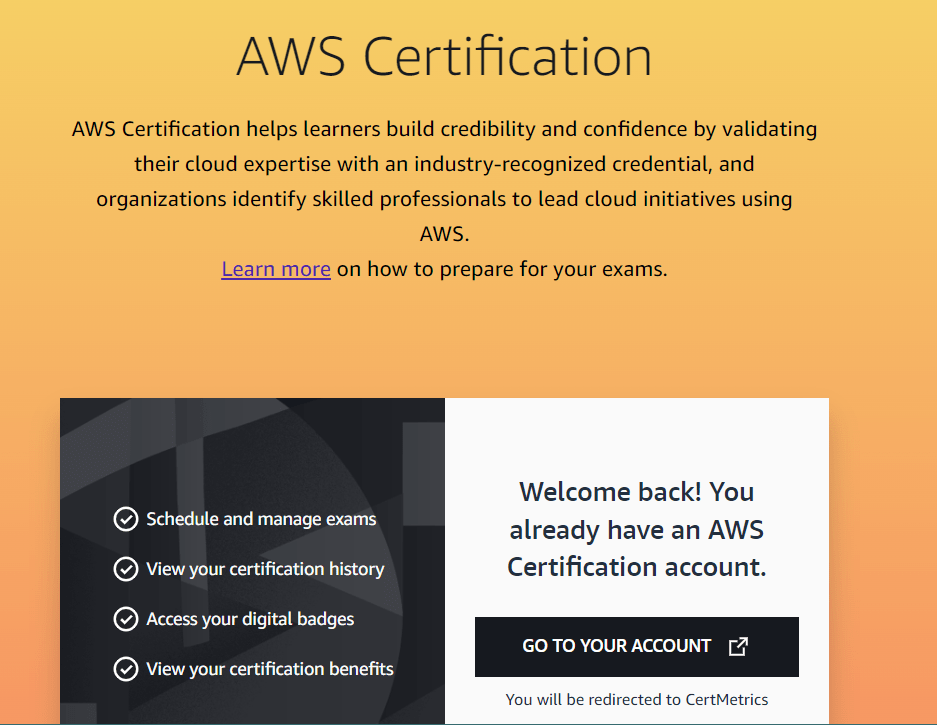
1. Visit the AWS Certifications hub and sign in by clicking ‘Sign In.’

2.Opt for the ‘Login with Amazon’ option. If you don’t have an Amazon account, create one for a better user experience.

3. After logging in, find the ‘Go To Your Account’ option to seamlessly register for your desired exam and claim an extra 30 minutes for an enriched examination experience.
3. Claiming Your Bonus 30 Minutes for Free
Post-login, locate the ‘Request Exam Accommodations’ option on the right side.

Click on ‘Request Exam Accommodations.’

And you’re done!
You will see the status with ESL +30 Minutes

4. Registering for an Exam
When registering for an exam, notice a 30-minute extension added to the allocated time!

 Umesh Chandra
Leave a comment